 fujiposts
Plug your Fujifilm X-series camera into your iPhone or iPad, pick a film simulation recipe, develop and edit it all with fujiposts.
Coming soon to theApp Store
How it works
Plug in. Pick a recipe. Post.
No filters, no presets that almost match. Your camera renders every JPEG, so it looks straight out of camera.
1
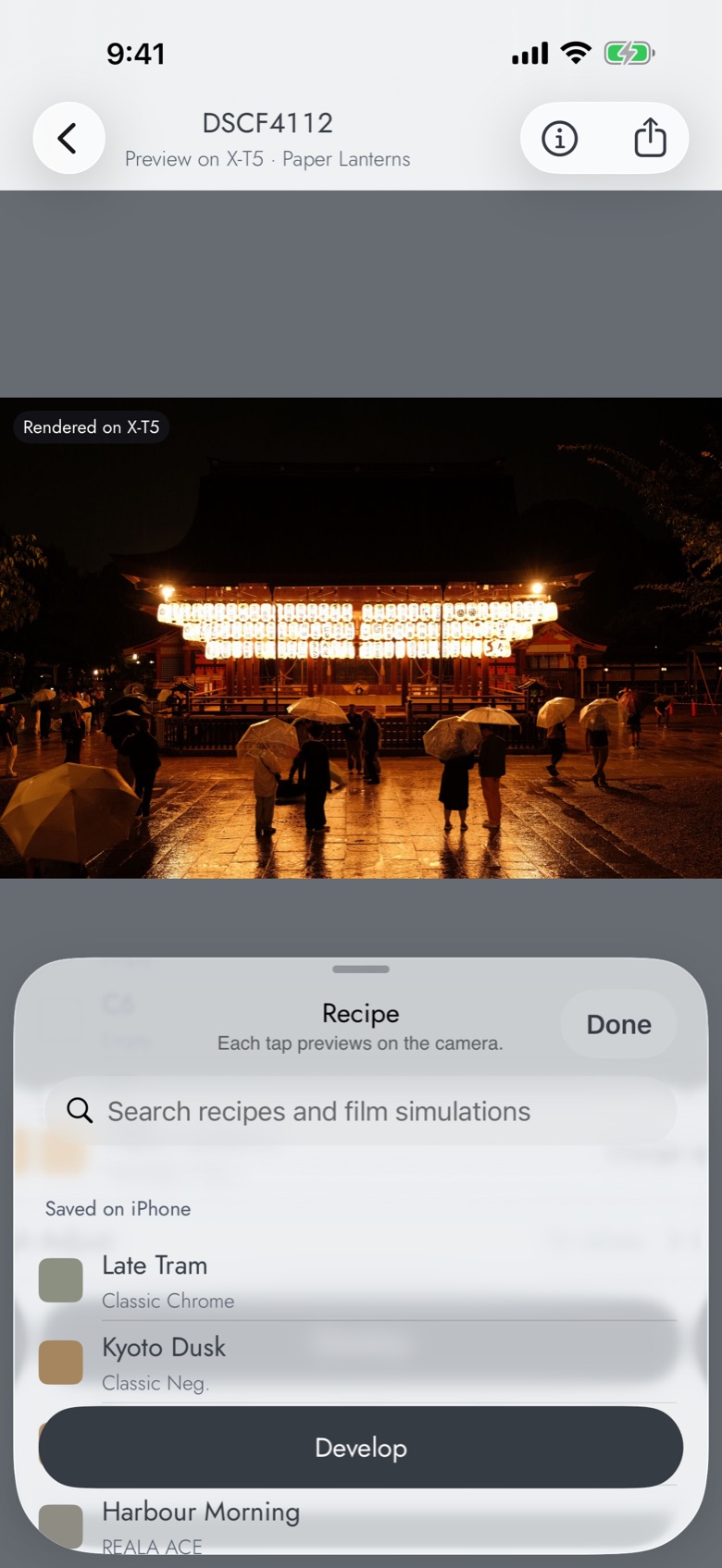
Pick a recipe
Tap through your film sim recipes and see each one on your own photo.
2
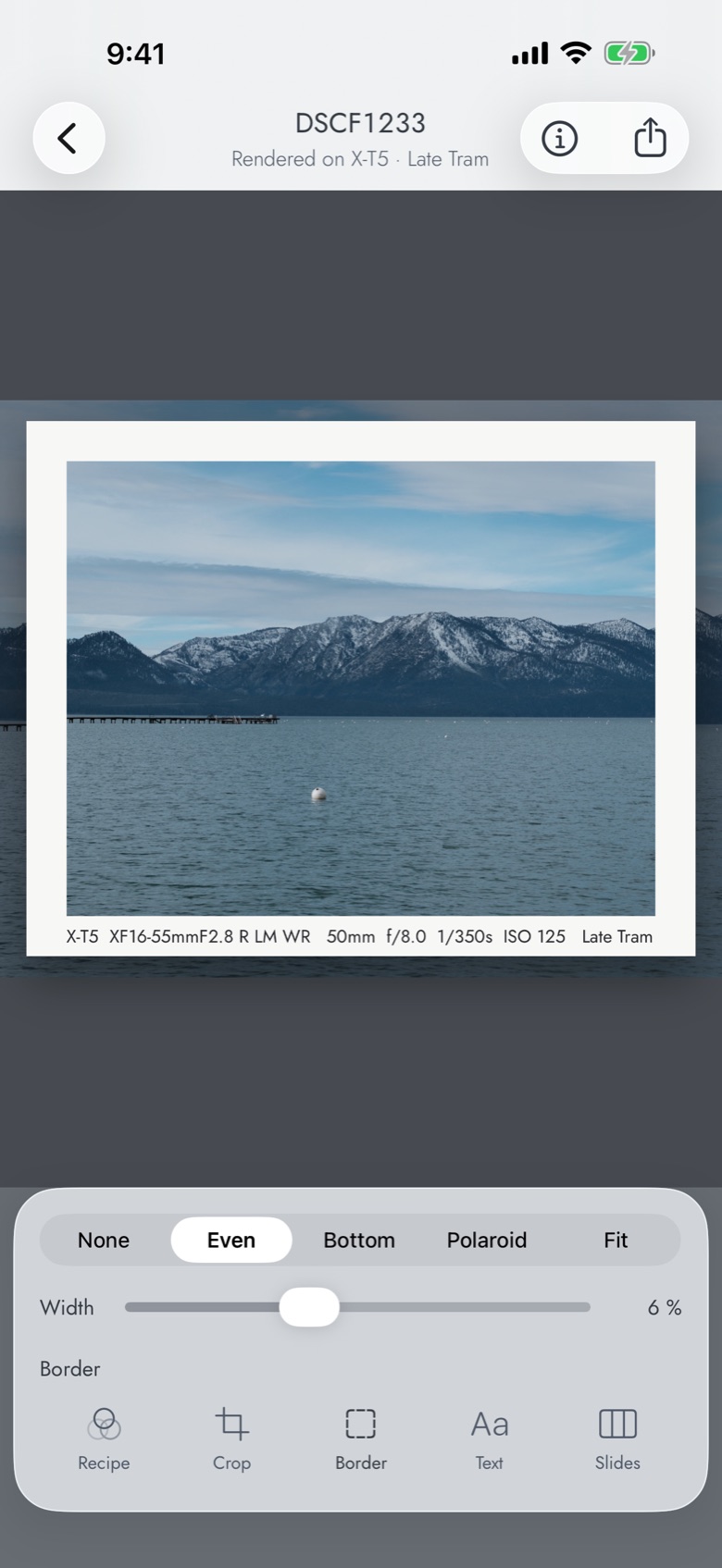
Frame it
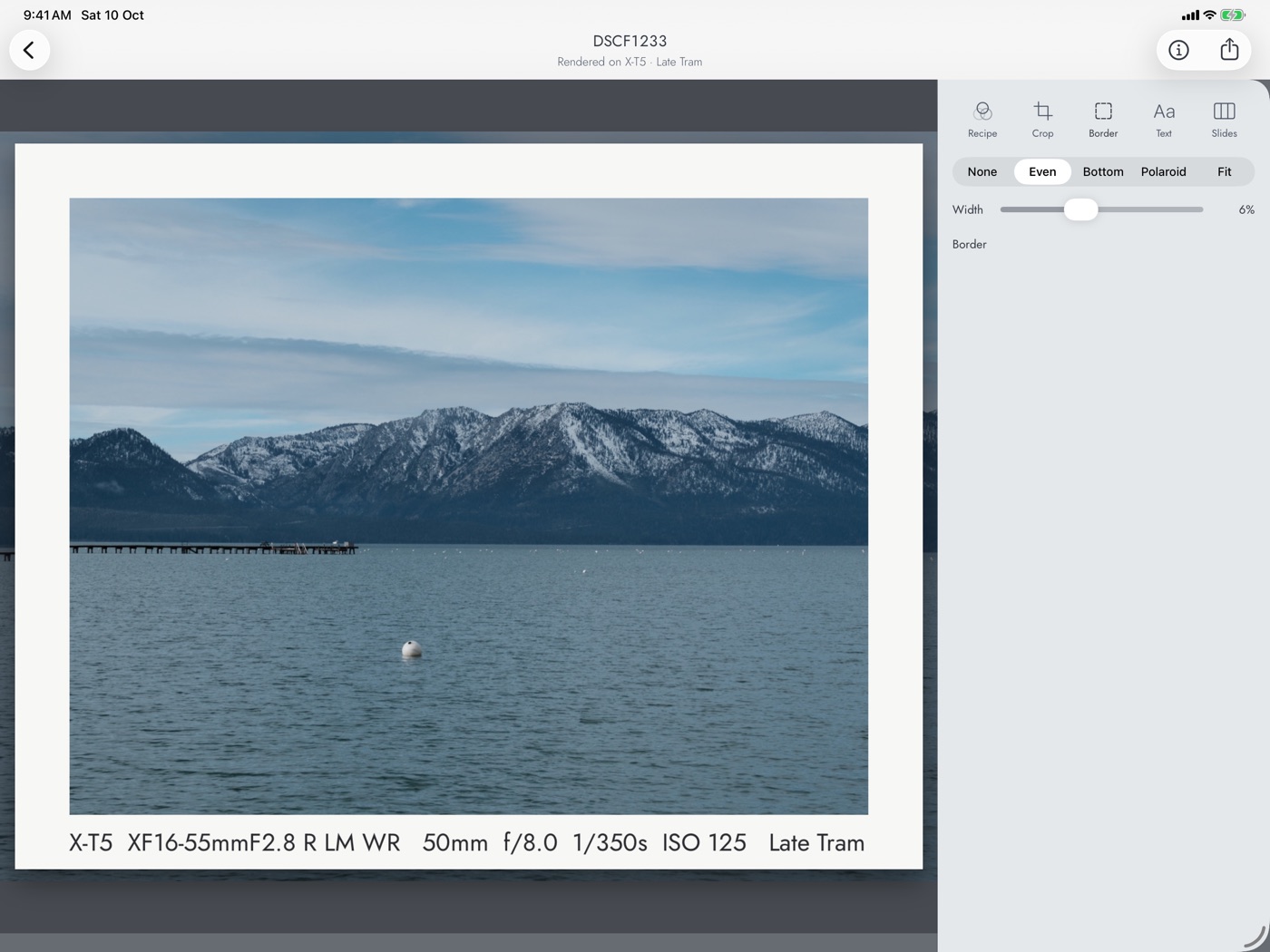
Crop, add a print-style border and an EXIF caption. Split a wide shot across a carousel.
3
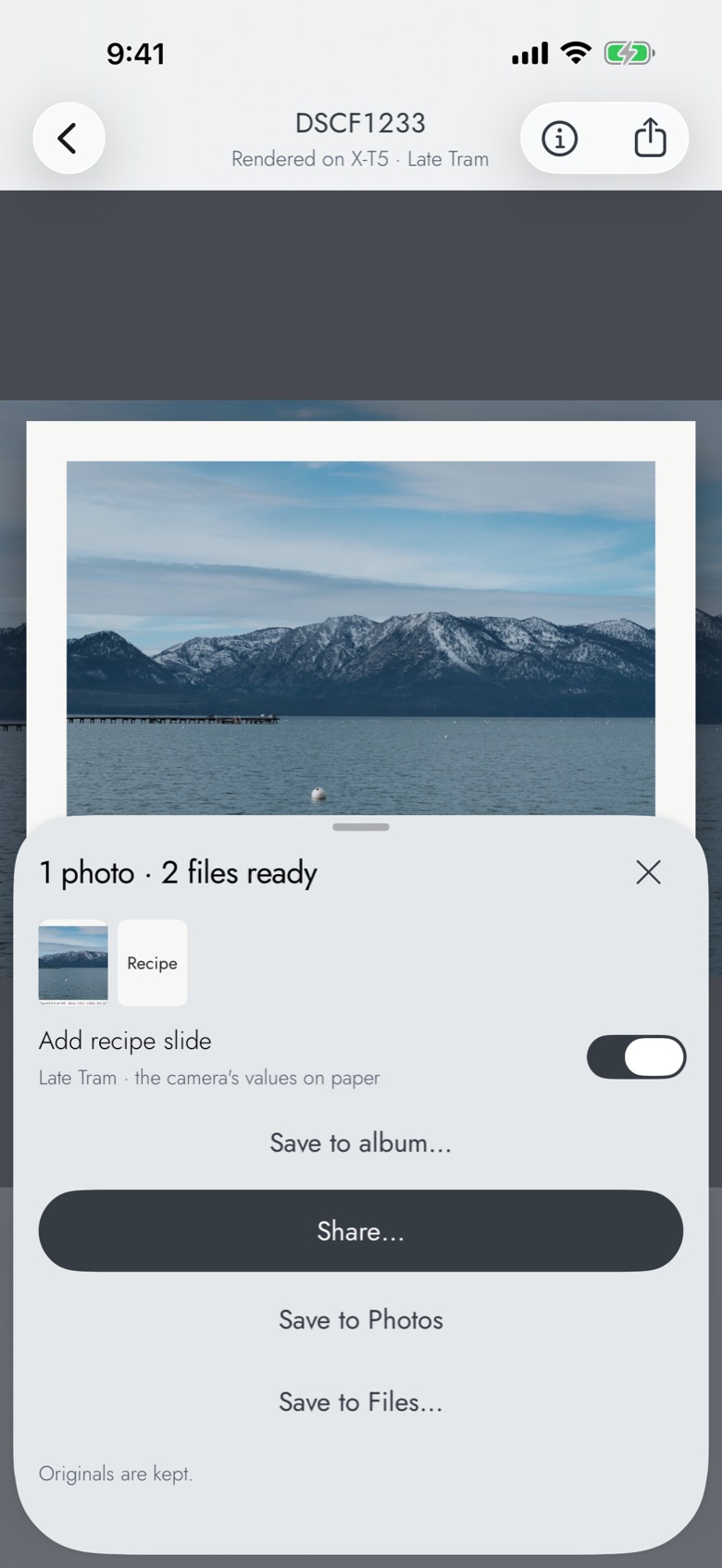
Post
Share straight to Instagram or save to Photos, with the recipe as the last slide if you like.
Recipes
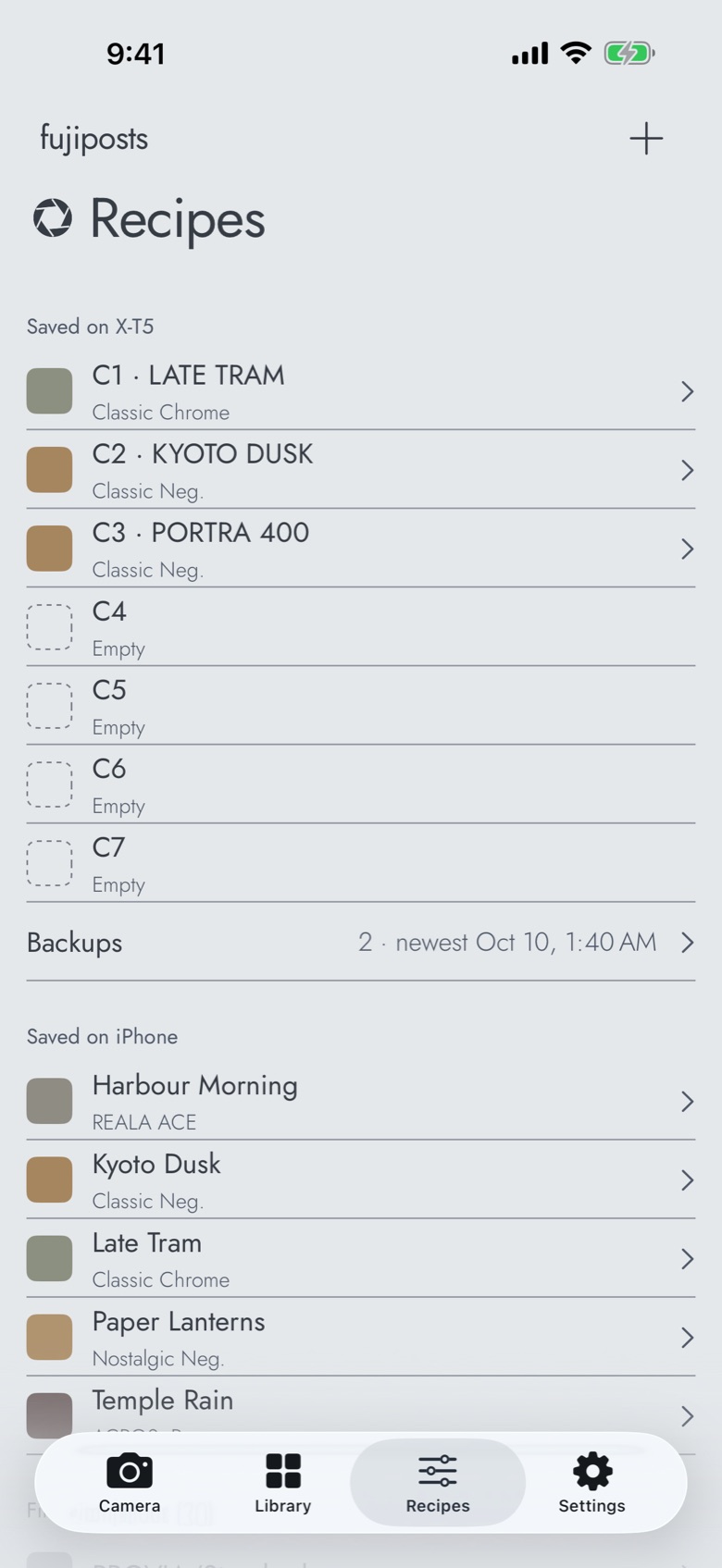
All your film sim recipes.
Found a recipe you love? Save it from a screenshot and load it onto your camera in one tap.
- Import from a screenshot or text
- Save the settings a photo was shot with as a recipe.
- Optional iCloud sync
- PROVIA
- Velvia
- ASTIA
- Classic Chrome
- PRO Neg. Hi
- PRO Neg. Std
- Classic Neg.
- Nostalgic Neg.
- ETERNA
- ETERNA Bleach Bypass
- Reala Ace
- ACROS
- Sepia
Prints
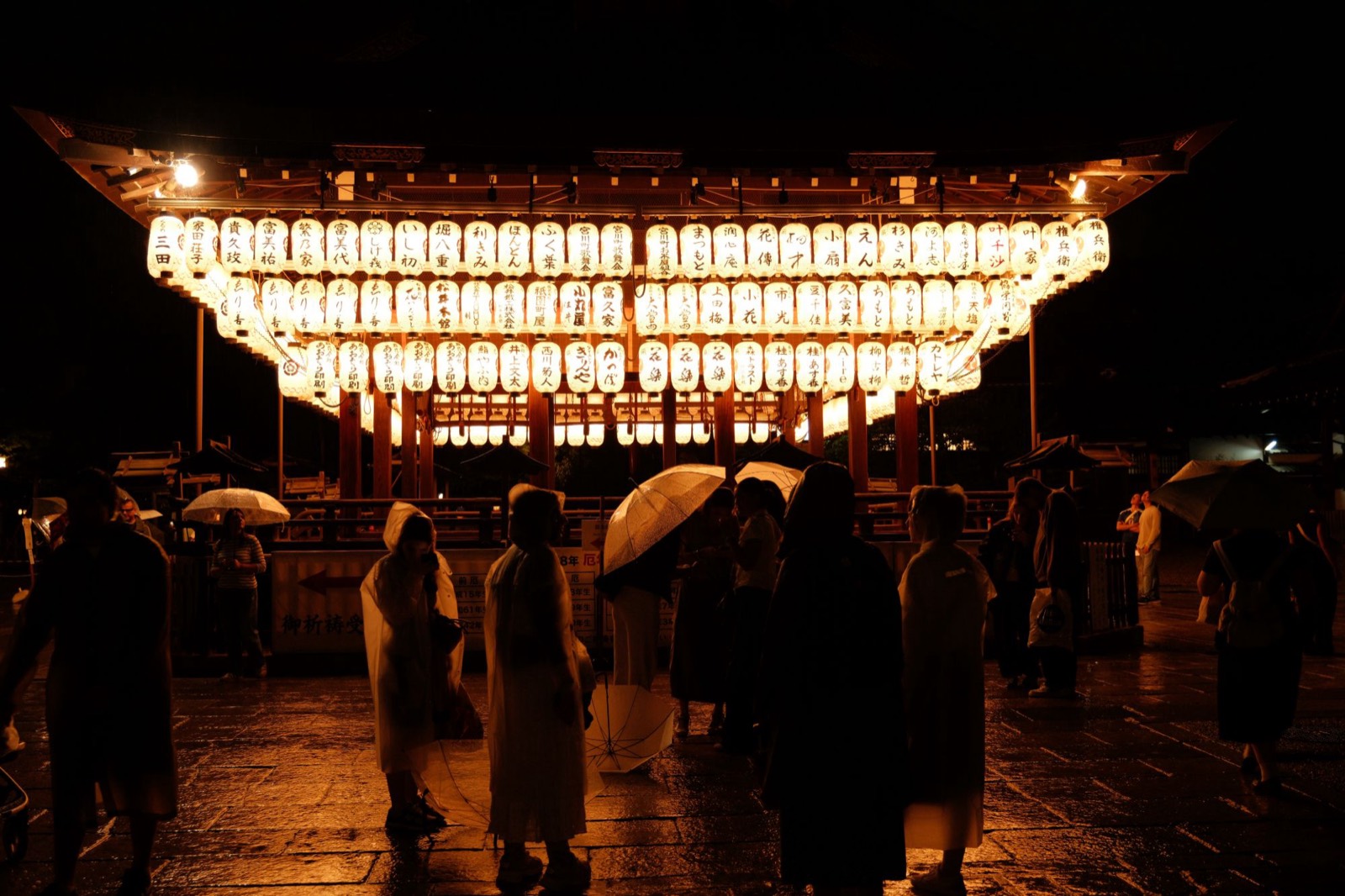
Frame it like a print.
Shot on an X-T5 in Kyoto and Tokyo.




iPad
More room on iPad.
Pricing
Free for 7 days, then $3.99 a month or $39.99 once.
Coming soon to the App Store
Subscription terms
Questions
Questions about fujiposts
- Which Fujifilm cameras work with fujiposts?
- X-series bodies with USB RAW conversion. Details
- Does my iPhone change the colours?
- No. Your camera renders every JPEG, so the colours are the camera's own.
- Why does fujiposts need camera permission?
- iOS needs it to talk to a camera on a cable. We never open your iPhone's own camera. Privacy